Welcome to bPass
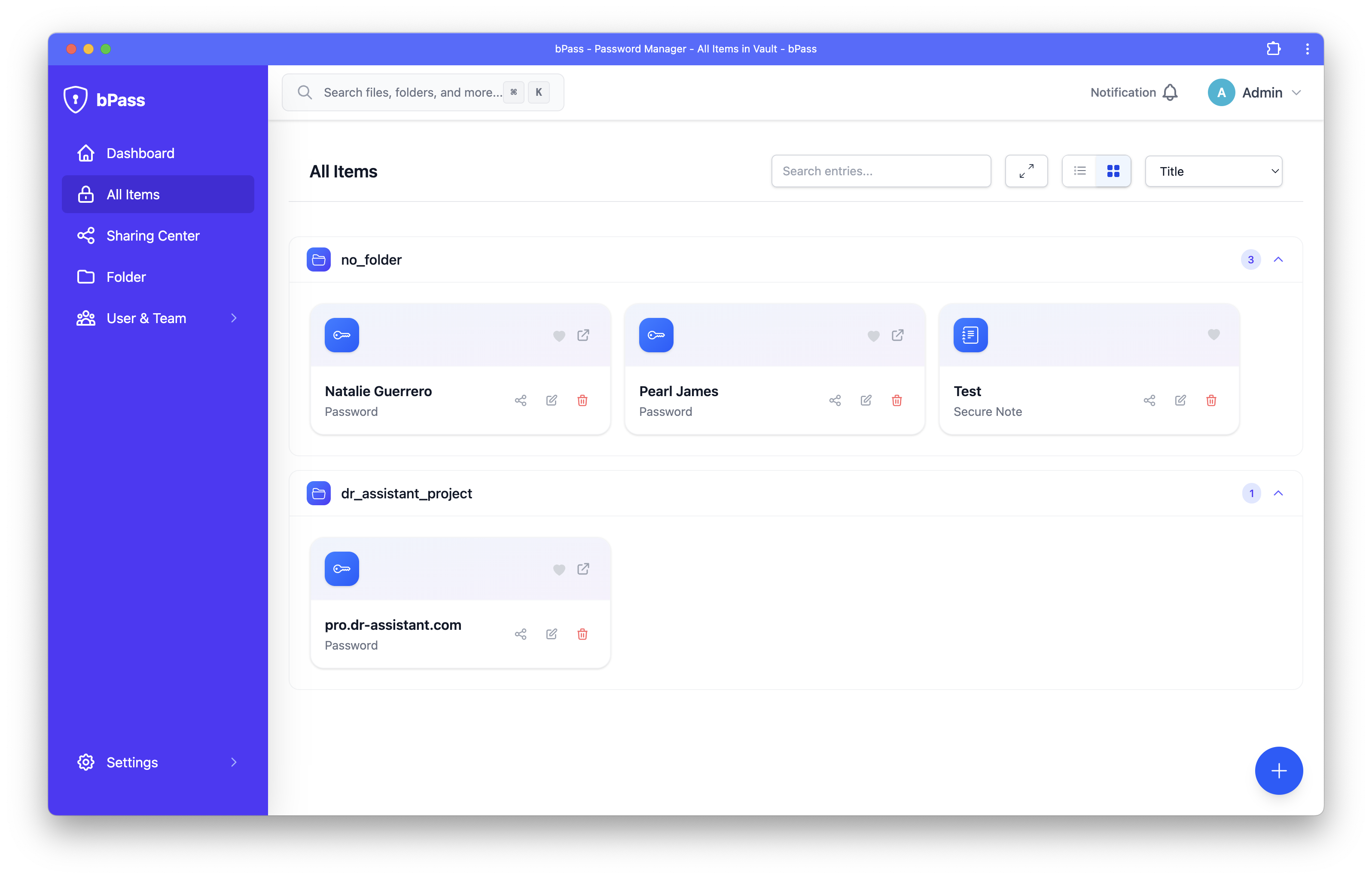
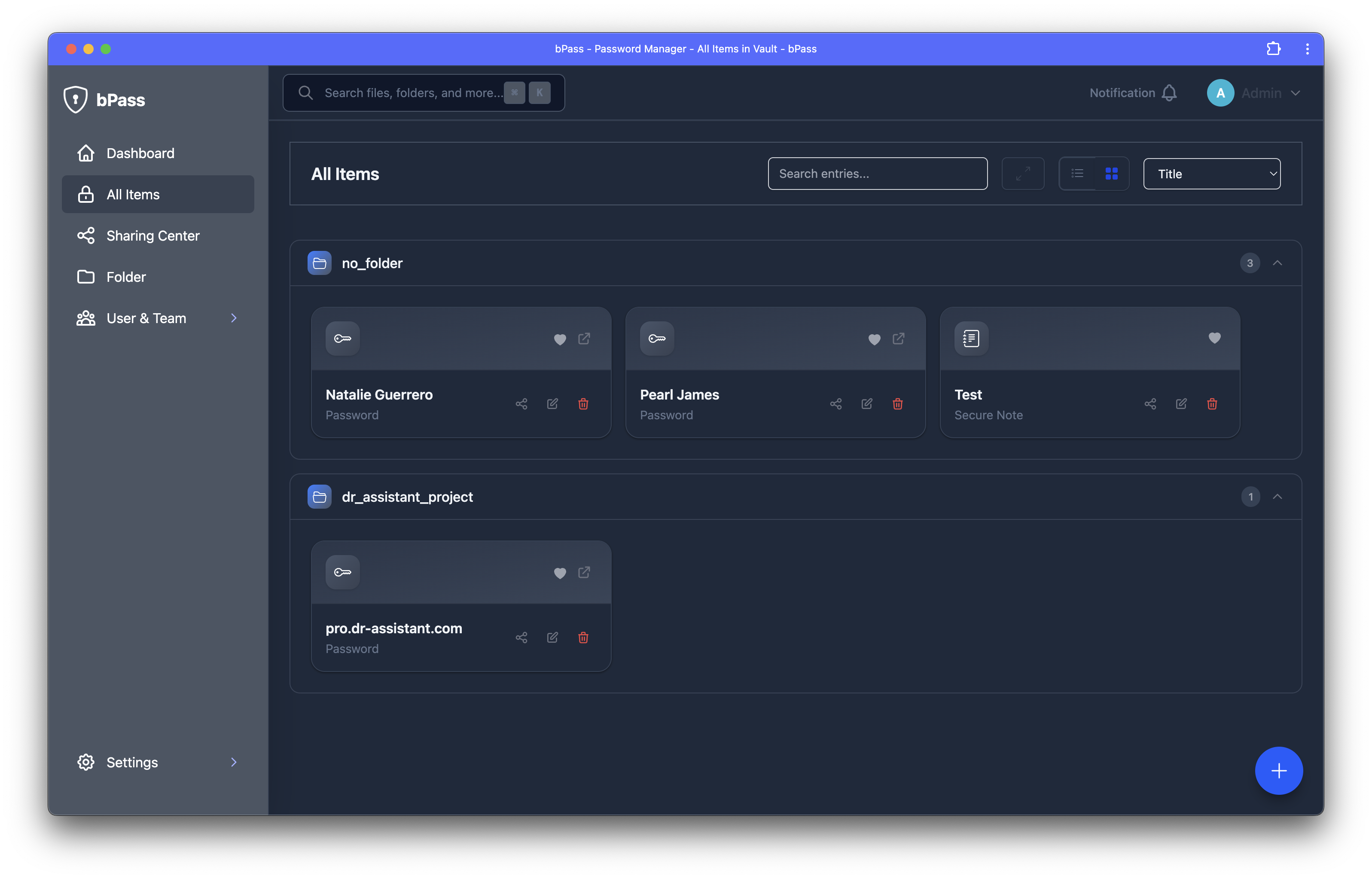
Your Secure Digital Vault
Securely store and manage all your passwords, WiFi keys, database credentials, and credit card details in one place. bPass comes with a powerful browser extension that auto-fills logins, suggests strong passwords, and prompts you to save new credentials instantly.
🔐 Key Features
-
Zero Trust Security
End-to-end encryption with zero trust architecture. Your master password never leaves your device, and all data is encrypted locally before syncing.
-
Browser Extension
Seamless auto-fill across all major browsers. Save and fill passwords with one click, generate strong passwords, and manage your vault directly from your browser.
-
Organized Storage
Store passwords, credit cards, secure notes, identity documents, bank accounts, WiFi passwords, and custom entry types. Organize everything with folders and tags.
-
Team Collaboration
Share passwords and sensitive data securely with team members. Role-based permissions and audit logs keep your organization secure.
-
Easy Migration
Import from popular password managers like LastPass, Bitwarden, 1Password, and more. Supports CSV import and browser exports.
-
Real-time Sync
Your vault syncs instantly across all devices. WebSocket-powered real-time updates ensure you always have access to the latest data.
🚀 Getting Started
Option 1: Use the Web Application
Perfect for managing your vault from any device with a web browser.
- Install bPass - Deploy on your server or hosting provider
- Create your first entries - Start storing passwords and sensitive data
- Set up sharing - Collaborate securely with your team
Option 2: Browser Extension Only
Use bPass extension with cloud sync for a lightweight experience.
- Install the Extension - Add to Chrome, Firefox, or Edge
- Connect to your vault - Link to your bPass instance
- Start auto-filling - Let bPass handle your logins automatically
📚 Documentation Structure
This documentation is organized into two main sections:
Web Application
Complete guide for the bPass web application, including installation, vault management, sharing, and administration.
- Installation guides for various hosting environments
- Vault management for all entry types
- Sharing and team collaboration features
- Settings and configuration options
Browser Extension
Everything you need to know about the bPass browser extension for seamless password management.
- Installation and setup instructions
- Auto-fill and password generation features
- Vault integration and synchronization
🛠️ Support
Need help? Here are your options:
- Documentation: You're already here! Use the navigation to find detailed guides
- GitHub Issues: Report bugs or request features on our GitHub repository
- Community: Join our community for discussions and support
Ready to secure your digital life? Choose your path above and let's get started! 🔒